~/projects / mac-lab
mac-lab/
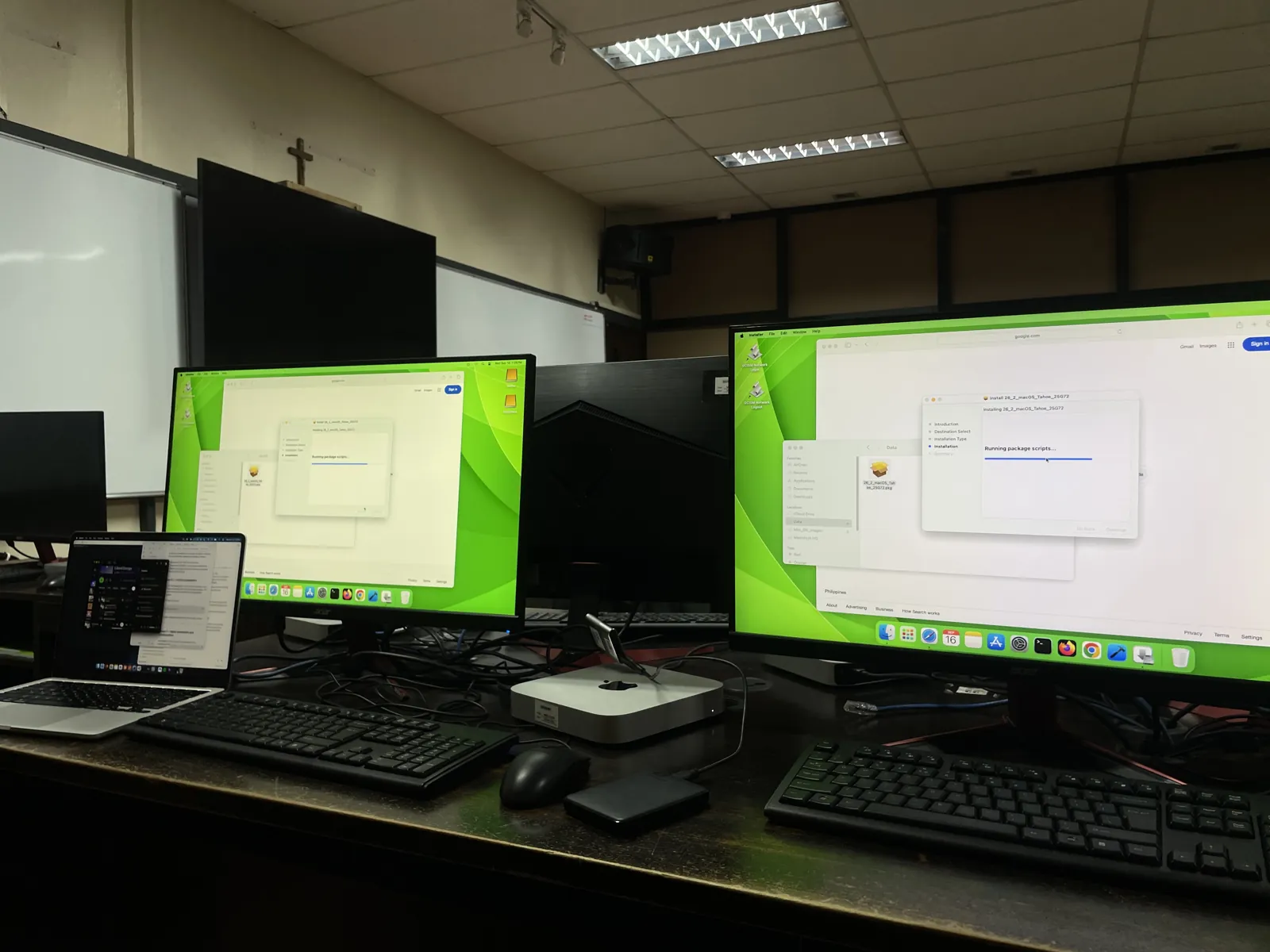
My internship task at the University of San Carlos was to get a 30-Mac lab into a state where anyone on the IT team could run it. I configured the machines, wrote a script that cut setup to a few minutes per Mac, and wrote runbooks for the team.
- macOS
- MDM
- bash
- networking
$ cat task
The lab has 30 Mac minis. They came out of resets with default names and random DHCP addresses, so nobody could tell which machine was which over the network. They also needed to be enrolled in Mosyle, the school's MDM, and kept up to date without downloading the same macOS installer 30 times.
$ cat work
- Gave every Mac a hostname and static IP that follow its seat number, so seat 21 always has the same name and address.
- Wrote
labfix.shto apply the name, IP and DNS settings, either at the Mac or over SSH. - Enrolled the Macs in Mosyle and pushed macOS updates from the console.
- Turned one Mac into a content cache. The lab downloads updates from it instead of the internet, and it holds about 32 GB of Apple content so far.
- Documented it all as runbooks, decision records, reference notes and a change log, so the next person doesn't depend on me.
$ cat labfix.sh
A few parts worth pointing out:
# Stop if DNS disagrees with the IP we're about to set
[ "$DNSIP" != "$IP" ] && { echo "!! DNS mismatch, stopping."; exit 1; }

# Stop if something already answers on the target IP
if [ "$CURIP" != "$IP" ] && ping -c 2 -t 2 "$IP" >/dev/null 2>&1; then
  echo "!! $IP is already in use by another device, stopping."; exit 1
fi

# Ignore hangup so the SSH drop can't kill the IP change
trap '' HUP
The script checks before it changes anything. It confirms that DNS agrees with the target IP and that no other device is already using it. Changing a Mac's IP over SSH cuts your own connection, and an early version died halfway through because of that. Ignoring the hangup signal fixed it.
$ cat decisions
Without Apple School Manager, the MDM can't force major macOS upgrades on these Macs. I compared three options (upgrading by hand, a scripted upgrade through the MDM, or waiting for Apple School Manager), picked one, and wrote down the tradeoffs and when to revisit it.
$ cat lessons
networksetup -setmanualquietly clears the DNS search domain. I found that out after a few Macs stopped resolving short names.- The content cache fails silently. If the cache Mac is asleep, clients just go to the internet, so it has to stay awake.
- Documentation was half the job. A setup only one person understands isn't finished.